What users control
- Users can choose public help or private support paths.
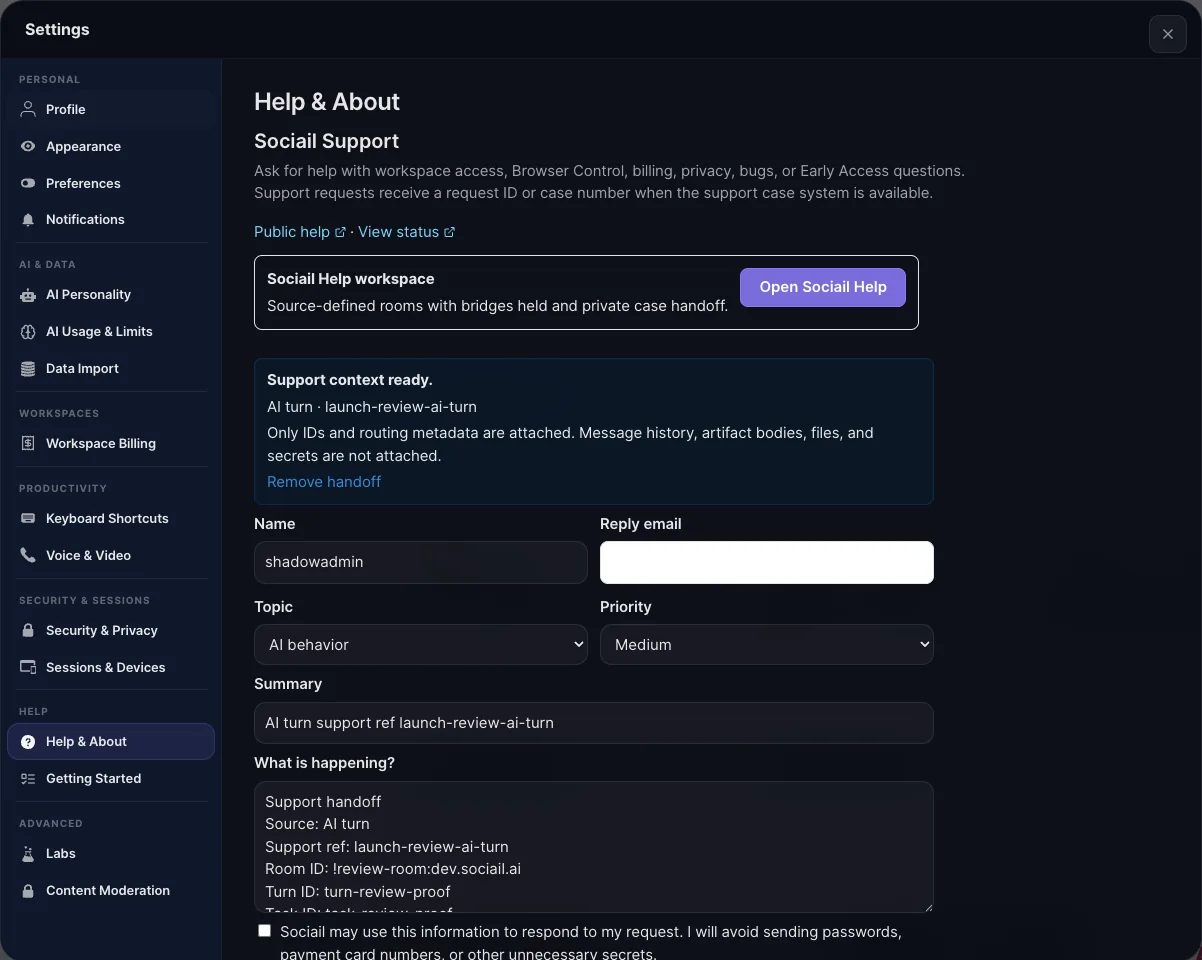
- Support handoff can include room or workspace context when appropriate.
- Repeated questions feed help, onboarding, and product improvements.
Keep support close to the product, with private paths for sensitive issues.
Sociail support surfaces keep help close to the product, routing setup, billing, workspace, trust, and private issues into the right support path.
Ready
Help and support proof screenshots
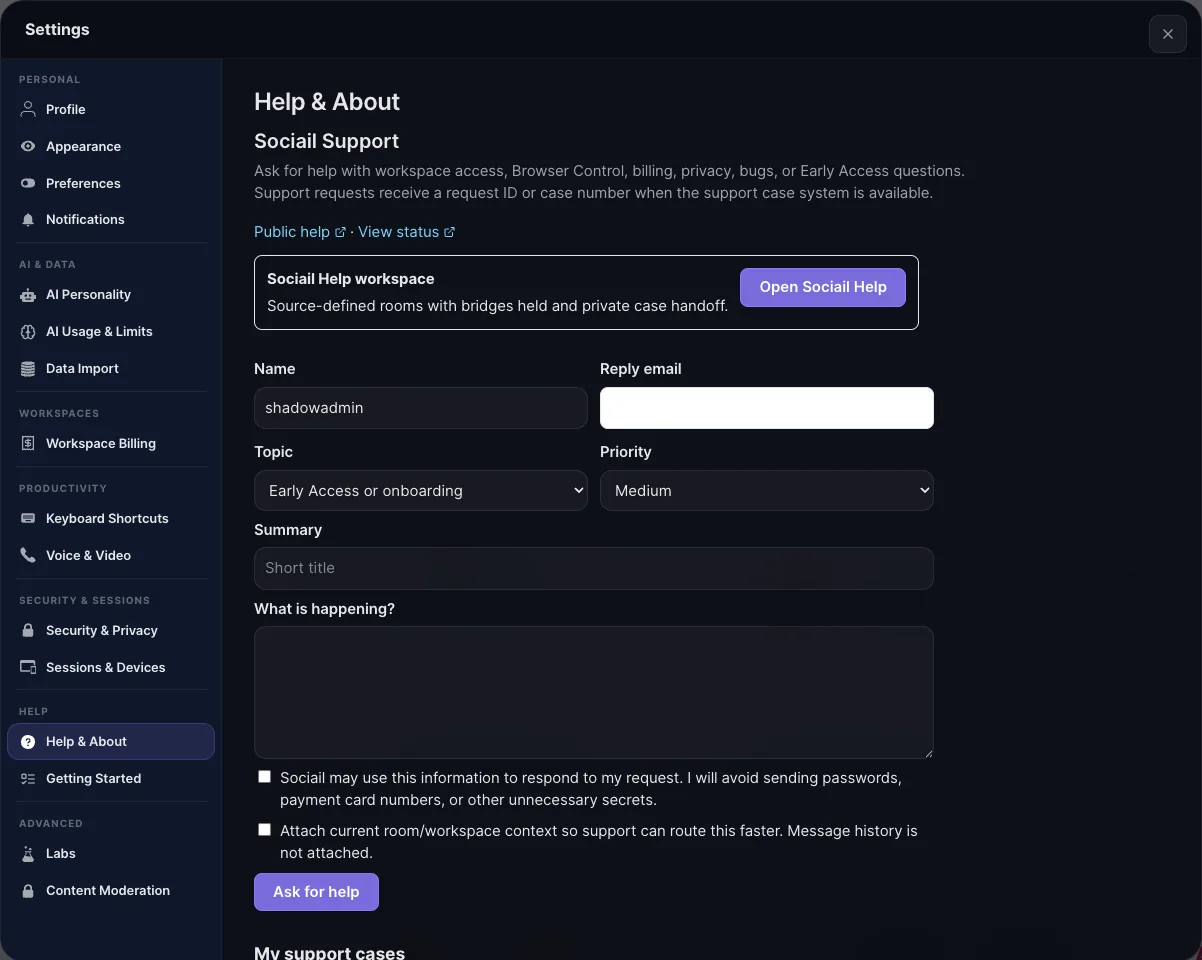
Each page stays inside the proven product boundary: shared context, visible control, durable output, and a support path.
Open Help from the website or app settings.
Choose a topic and describe the issue.
Use private support for billing, security, workspace, or sensitive details.
These proof images come from the running product and retained launch-readiness checks.
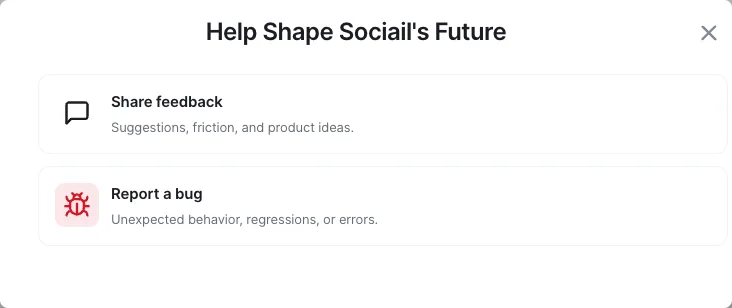
Start with the current feature surface, and use help if setup, access, or trust state is unclear.