What users control
- Voice use stays tied to a visible Sociail surface.
- Users can fall back to text when voice state is unavailable.
- Support can help when microphone, room, or AI state is unclear.
Talk to Sociail in the room when voice is enabled.
Hey Sociail gives the shared AI workspace a natural voice entry point while keeping AI presence, room context, and trust boundaries visible.
Preview
Hey Sociail live proof screenshots
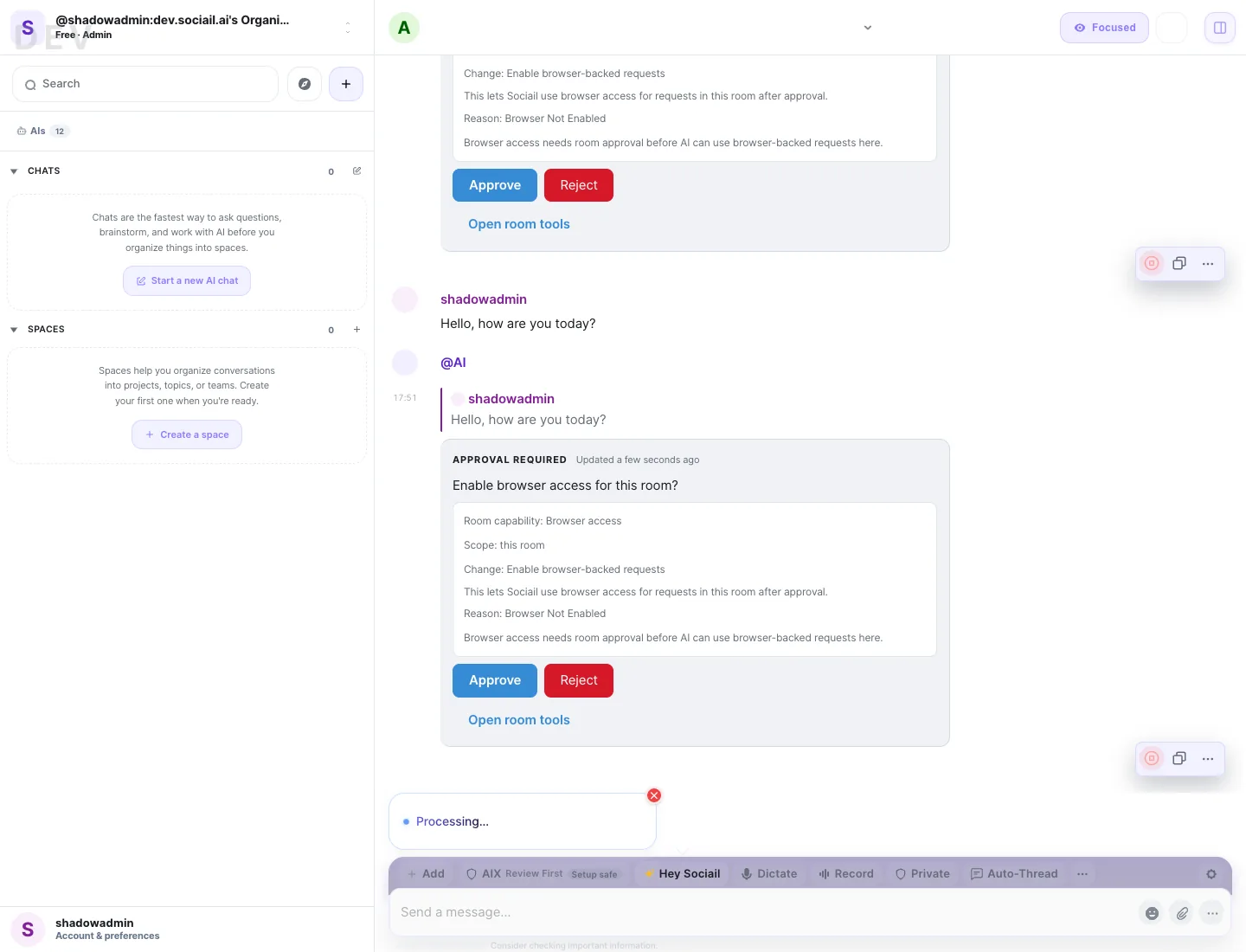
Each page stays inside the proven product boundary: shared context, visible control, durable output, and a support path.
Open a Sociail room where AI help is available.
Use Hey Sociail when voice is enabled for the current surface.
Review the answer in the room before turning it into follow-up work.
These proof images come from the running product and retained launch-readiness checks.
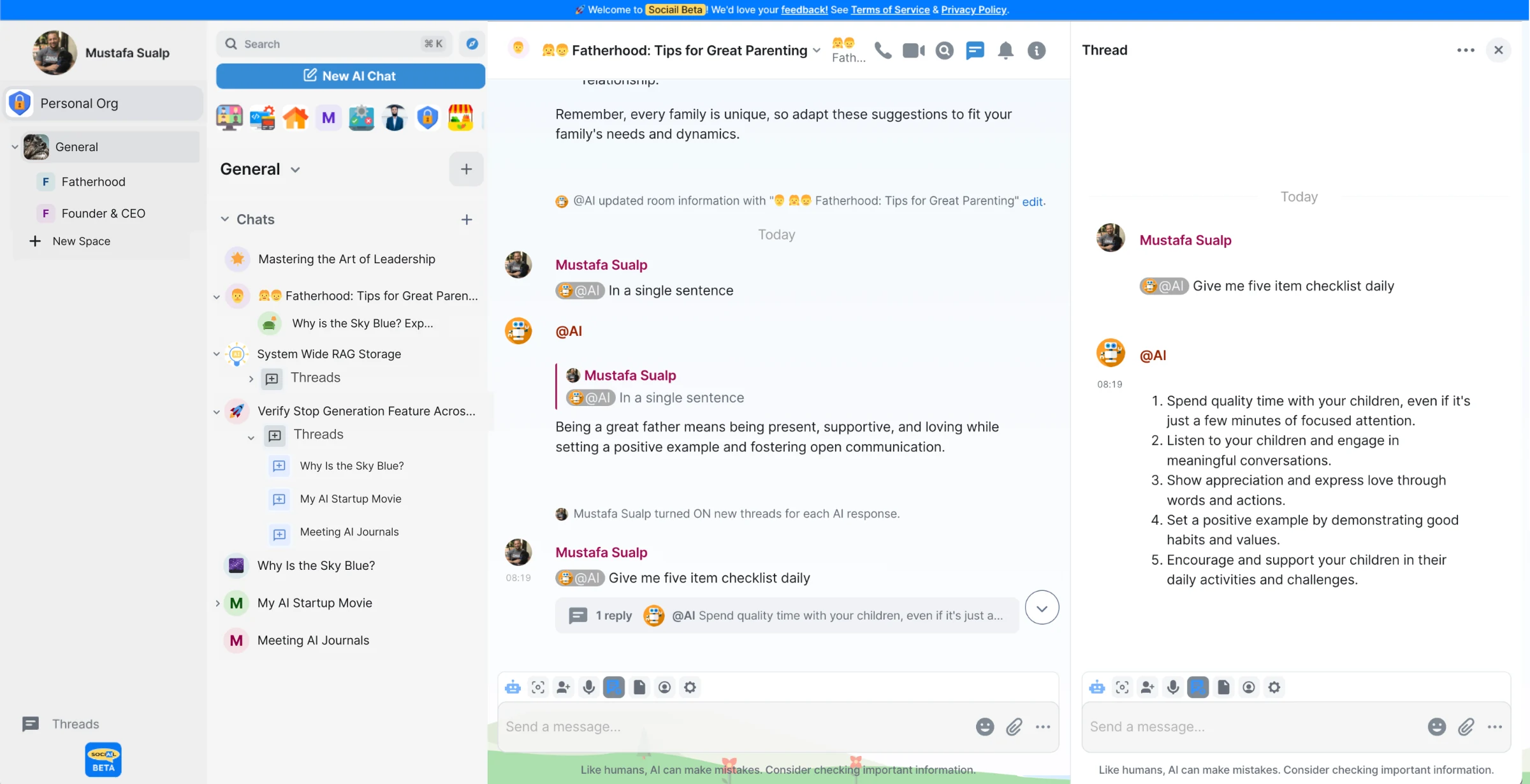
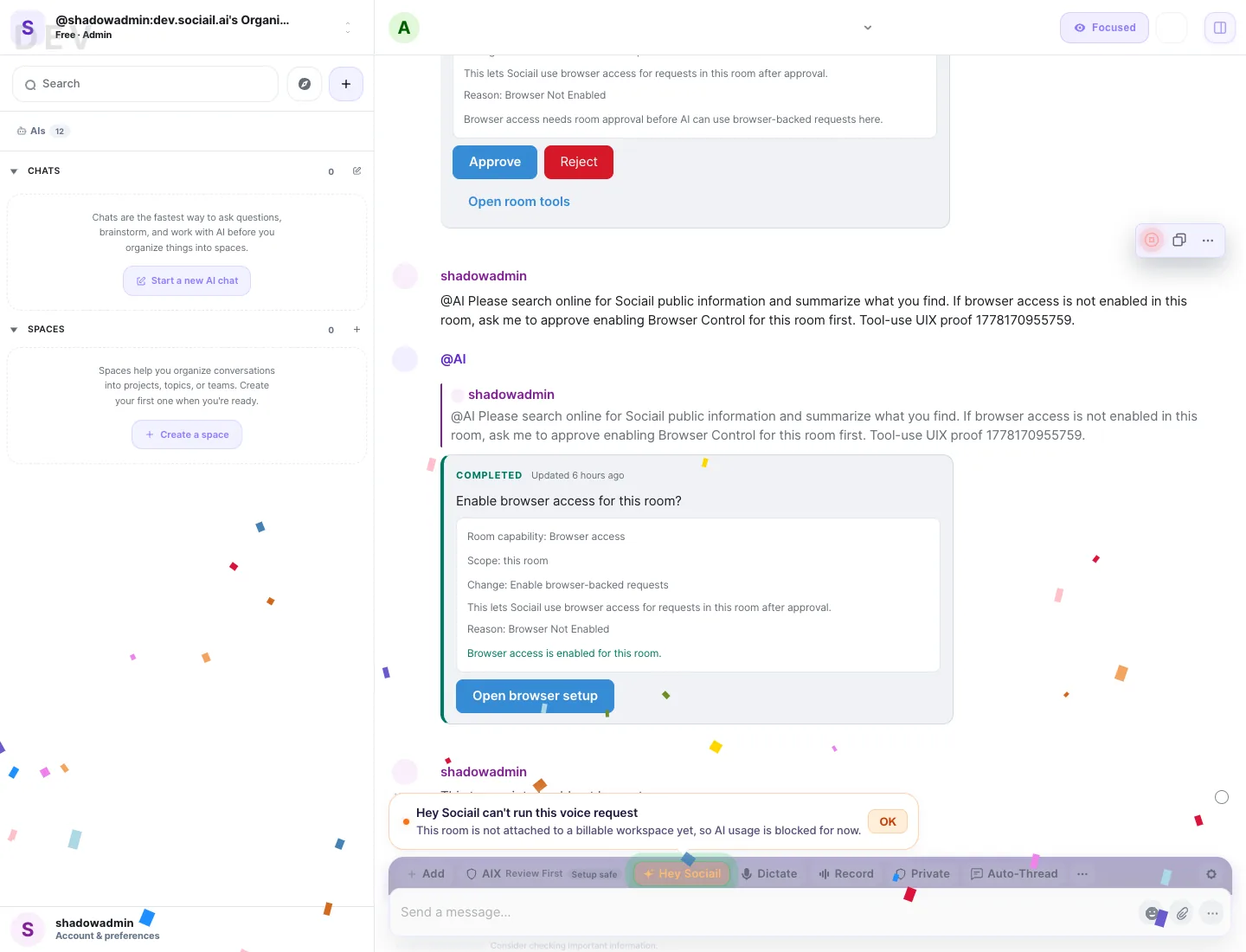
Start with the current feature surface, and use help if setup, access, or trust state is unclear.