What users control
- Room membership stays visible.
- Work remains attached to the room that created it.
- Support can route questions from the room context when needed.
One shared place for people, AI help, context, and work outputs.
Sociail rooms keep the conversation, participants, AI help, and durable outputs close to the work instead of scattering context across AI tabs.
Ready
Real room and client proof screenshots
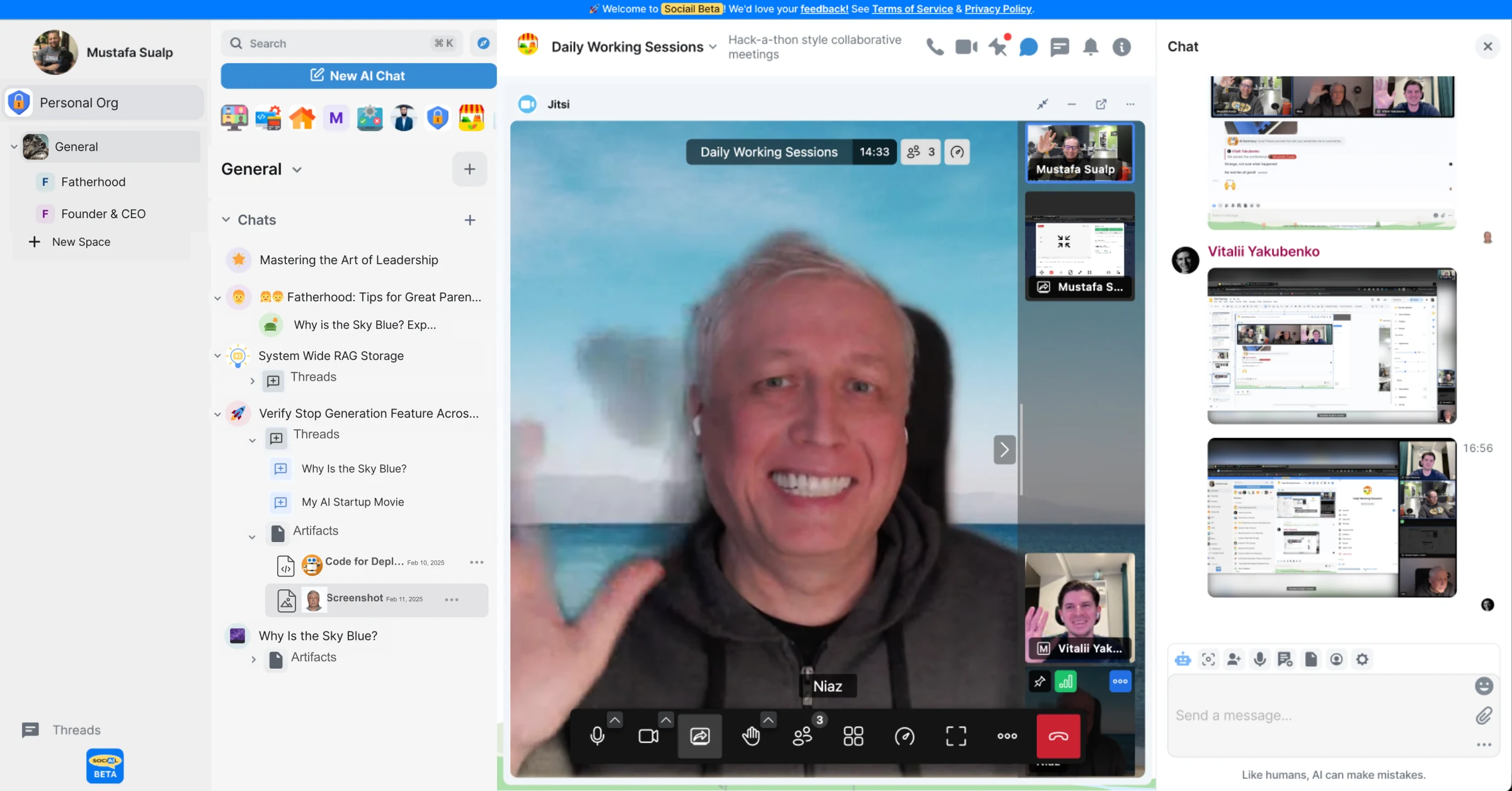
Each page stays inside the proven product boundary: shared context, visible control, durable output, and a support path.
Create or open the room where the work belongs.
Invite people and AI teammates into the same shared context.
Use the room thread, side panels, and outputs to keep the work moving.
These proof images come from the running product and retained launch-readiness checks.
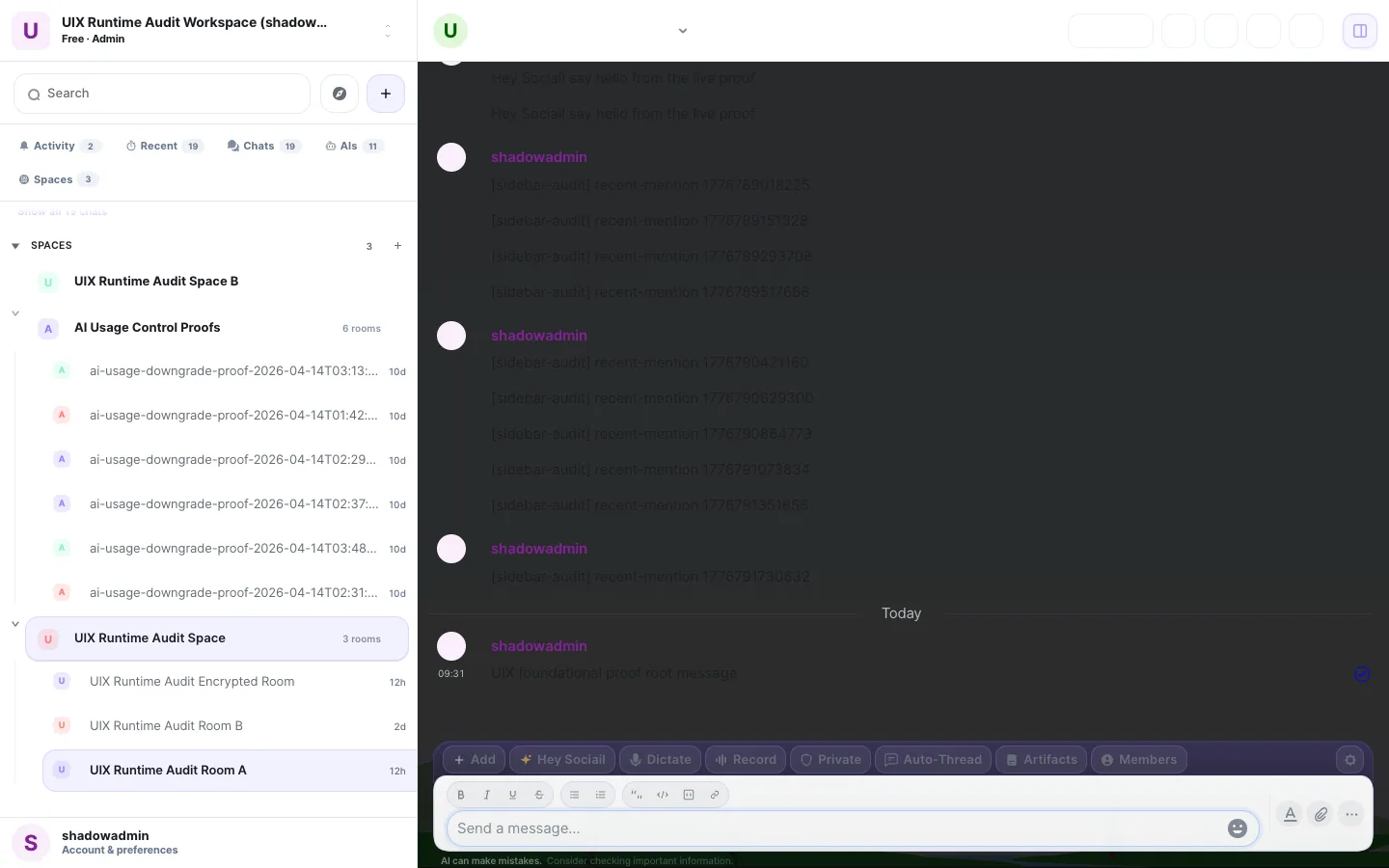
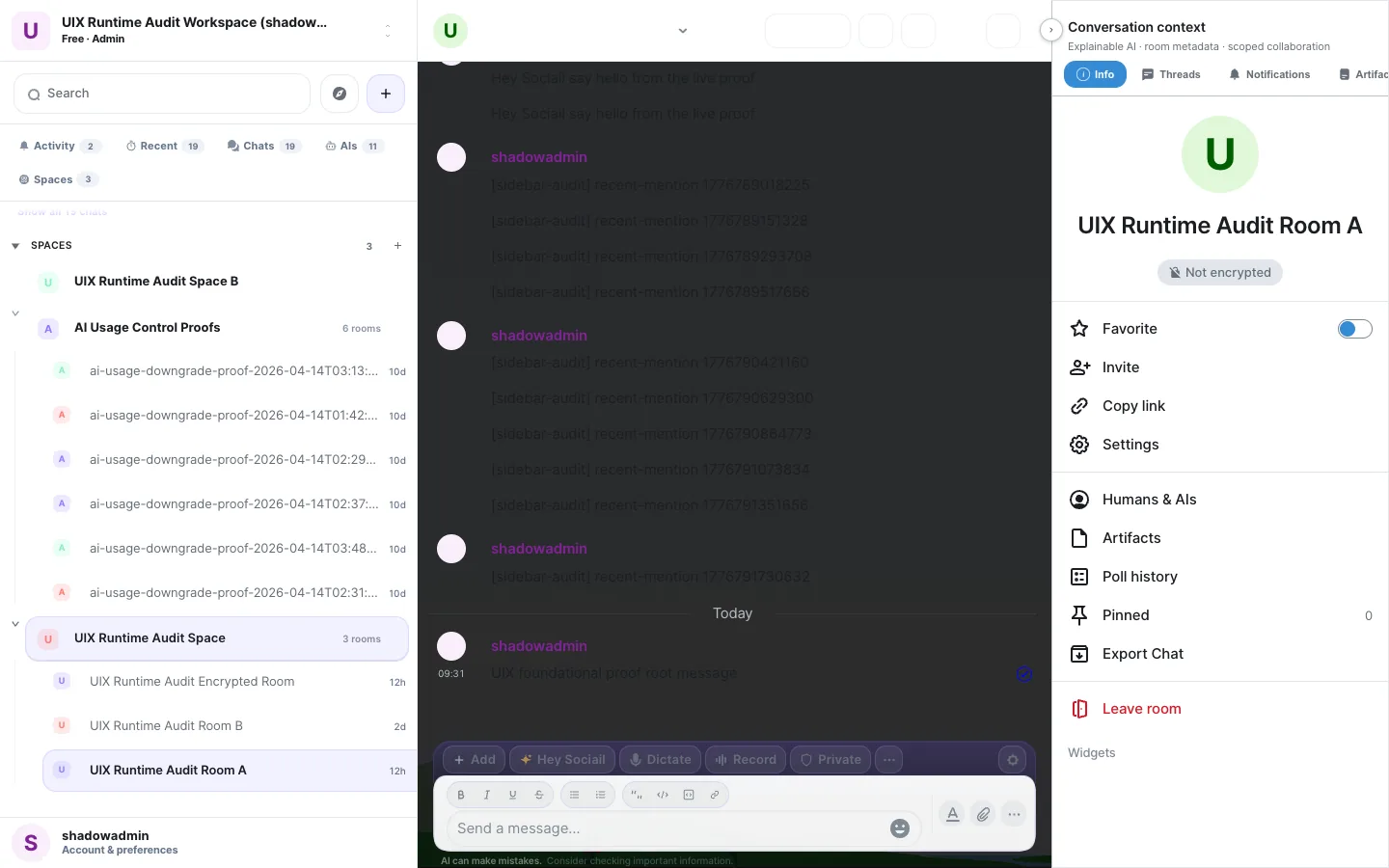
Start with the current feature surface, and use help if setup, access, or trust state is unclear.